
Best Free E-Signature Platforms (2026): PandaDoc vs Zoho Sign vs Dropbox Sign
Which free e-signature platform is best? Compare PandaDoc, Zoho Sign and Dropbox Sign on free document limits, templates, users and features.
Published · Updated
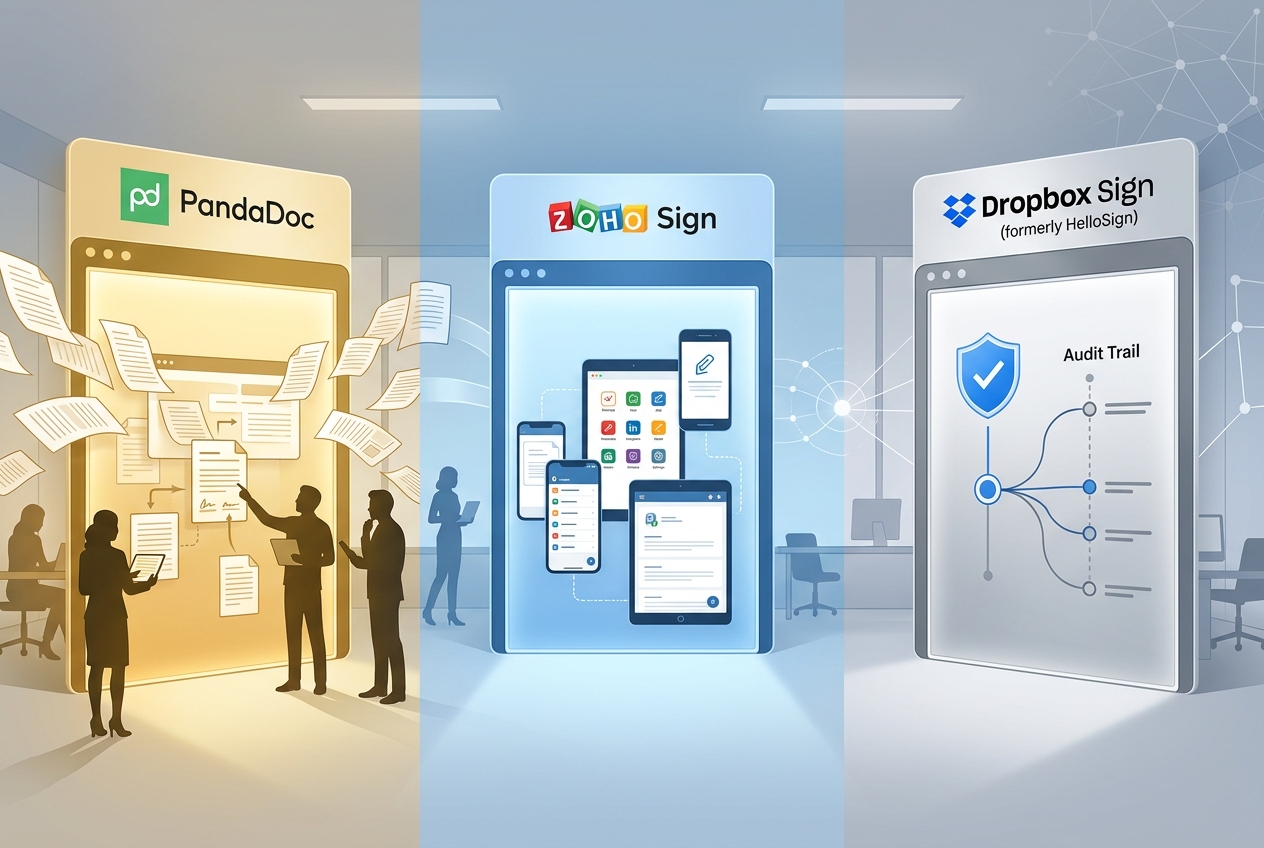
AI-generated image
Quick answer · the 30-second read
PandaDoc is our pick for the best free e-signature platform, offering five documents per month, reusable templates and support for multiple users. Zoho Sign is a good alternative for individuals who want mobile apps and cloud storage integrations, while Dropbox Sign suits occasional signing with a simple interface. DocuSign, SignNow and Adobe Acrobat Sign offer free trials rather than comparable permanent free sending plans.
"Free version" gets used loosely across e-signature marketing. Some platforms mean a permanent account with a capped monthly allowance, and some mean a free trial that expires and requires payment once the trial period ends. This guide separates the two properly and compares what each genuine free version actually includes.
Which platforms have a genuine, permanent free version?
Platform | Documents included | Users | Templates | Notable features/limits |
|---|---|---|---|---|
60/year (5/month) | Unlimited seats | 5 | 2 recipients per document, unlimited fillable fields and storage | |
60/year (5/month) | 1 user | 0 | No team collaboration, no developer API access | |
36/year (3/month) | 1 user | 0 | Unlimited self-signing; audit trail included with completed signature requests, but not self-signed documents. |
Source: PandaDoc Free plan guide, Zoho Sign pricing page, and Dropbox Sign's own help centre on its free plan, all checked 19 October 2026.
Which platforms only offer a free trial, not a free version?
- Docusign offers a 30-day free trial with no credit card required. There is no permanent free version for sending documents; a separate "Free Edition" exists for signing documents sent by others, not for sending them yourself.
- SignNow offers a 7-day free trial with no credit card required, and no permanent free version beyond that.
- Adobe Acrobat Sign has no standalone free version; Acrobat Pro for teams and Acrobat Studio for teams both offer a free trial limited to 10 licences, but e-signature capability requires a paid Acrobat subscription once the trial ends. Separately, Adobe also offers a 30-day Acrobat Sign enterprise trial through its sales-led product, which includes features like bulk sending and Salesforce integration not available on the team-plan trial.
None of these three should be described as having a free version in the way PandaDoc, Zoho Sign, or Dropbox Sign do. A trial is a time-limited evaluation period. A free version continues indefinitely at no cost, within its stated limits.
Which of the three genuine free versions is the best?
PandaDoc's free version is the clearest leader of the three. It matches Zoho Sign's 60-document annual allowance and beats Dropbox Sign's 36, while being the only one of the three to include unlimited seats and reusable templates. Both Zoho Sign and Dropbox Sign restrict their free version to a single user with zero templates, meaning every document has to be prepared manually each time it's sent, with no way to add a second person to the account.
Zoho Sign and Dropbox Sign each hold a narrower advantage of their own. Zoho Sign's free version includes native apps for iOS, iPadOS, Android, Windows, and macOS. It also includes cloud storage import and export from Google Drive, OneDrive, Dropbox, Box, and Zoho WorkDrive. Neither feature is confirmed on PandaDoc's or Dropbox Sign's free version. Dropbox Sign's free version includes a verified, time-stamped audit trail on every signed document, the same standard used on its paid tiers. This isn't stated as a feature of PandaDoc's or Zoho Sign's free version specifically.
Our verdict
PandaDoc is our choice for the best free e-signature platform for small businesses. Its combination of reusable templates, support for multiple users and a modest monthly sending allowance makes it more useful for teams than the free plans offered by Zoho Sign and Dropbox Sign. Zoho Sign is a strong alternative for individuals who want access across desktop and mobile devices, particularly if they already use Zoho's other business applications. Dropbox Sign is a straightforward option for occasional signing, with three free signature requests per month and unlimited self-signing. None of these free plans is ideal for businesses sending large numbers of contracts. However, for occasional agreements and smaller workloads, they offer a practical way to use electronic signatures without committing to a paid subscription.
Frequently Asked Questions
-
-
Yes. PandaDoc, Zoho Sign and Dropbox Sign all offer free plans that allow you to sign documents electronically. Dropbox Sign also offers unlimited self-signing, although its free plan limits requests sent to other people to three per month.
-
-
No. Recipients generally don't need a paid account to sign documents sent through PandaDoc, Zoho Sign or Dropbox Sign. The sending limits apply to the person requesting signatures, rather than the people signing.
-
-
Yes, an electronic signature can be legally binding in the UK regardless of whether the platform is free or paid. Its legal effect depends on factors such as the signer's intention, the type of document and any applicable formalities. Some transactions require additional safeguards or a particular form of signature.


